General
Settings
Users of the Integrata® Service Platform can choose whether to use a mobile application or a browser application.
Profile settings in web application
You can find your profile information in the top right corner of the browser in the “Profile” menu. If your company allows the self-management of personal data, you can update your details through this menu.
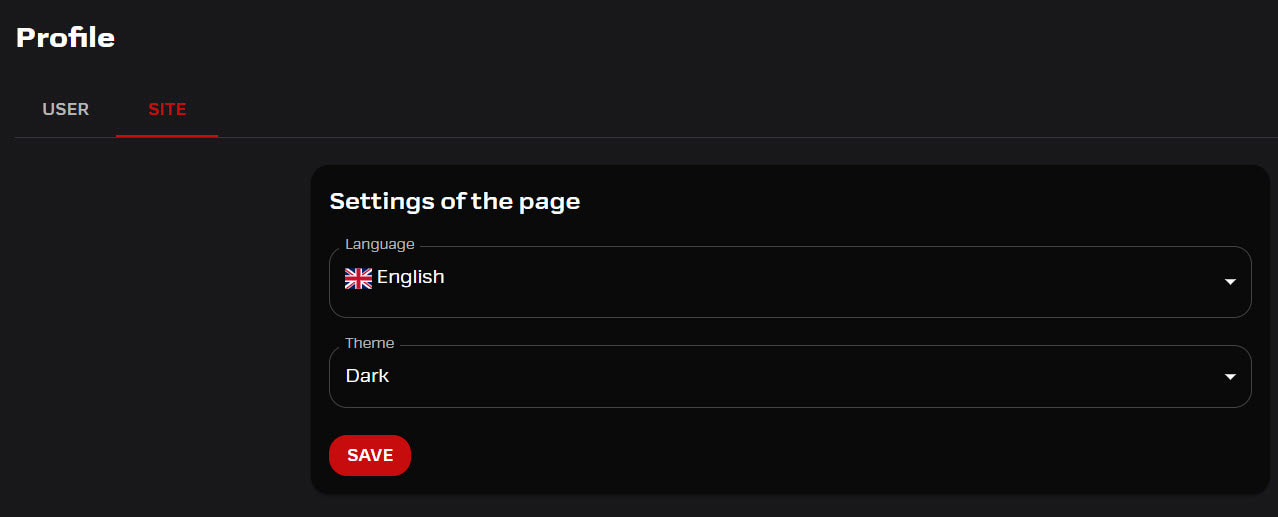
- On the “Site” tab, choose your preferred theme (Dark/Light)
- If you wish, you can change the system language to English or Swedish. This choice will also affect the language of incoming notifications.
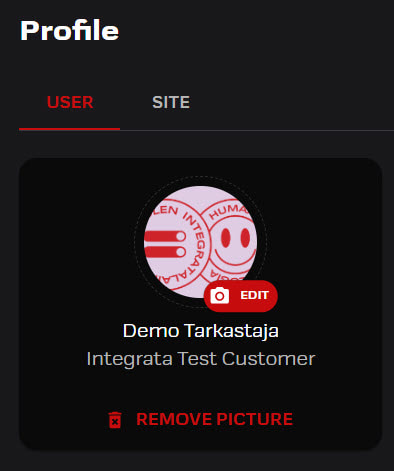
Profile picture
Users will by default have their profile picture based on the one used in their M365 work environment. The user can also edit or remove their picture in platform. This can be done in the web profile of the app, if the user’s employment details have been added. The picture will be visible to other users in the Messages section, in a message added by the user themselves.
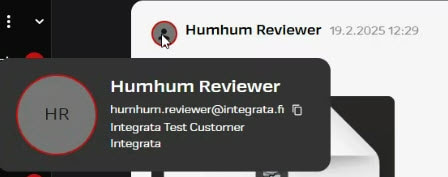
Profilecard
Latest replier’s profilepicture is shown in the conversation list. Picture is also shown inside the conversation. When the mouse icon is hovered on top of the picture the users profilecard will pop up.
- Integrata’s customer service users are shown with a red trim, and customer users are shown with a green trim.
- Company information is maintained by Integrata admin or by employee integration.
Settings in mobile app
Mobile app’s default language setting will depend on your chosen phone settings (finnish, swedish, english), but it can be modified through settings.
- Managers can set substitutes from settings
- Fingerprints can be used if Biometric login is activated
- Analytiqs and Usage Data is not active by default, but it can be used collect information from possible error situations
- From settings you can choose the method of you your notifications
- For more detailed feature based notification settings you can check the web application
